

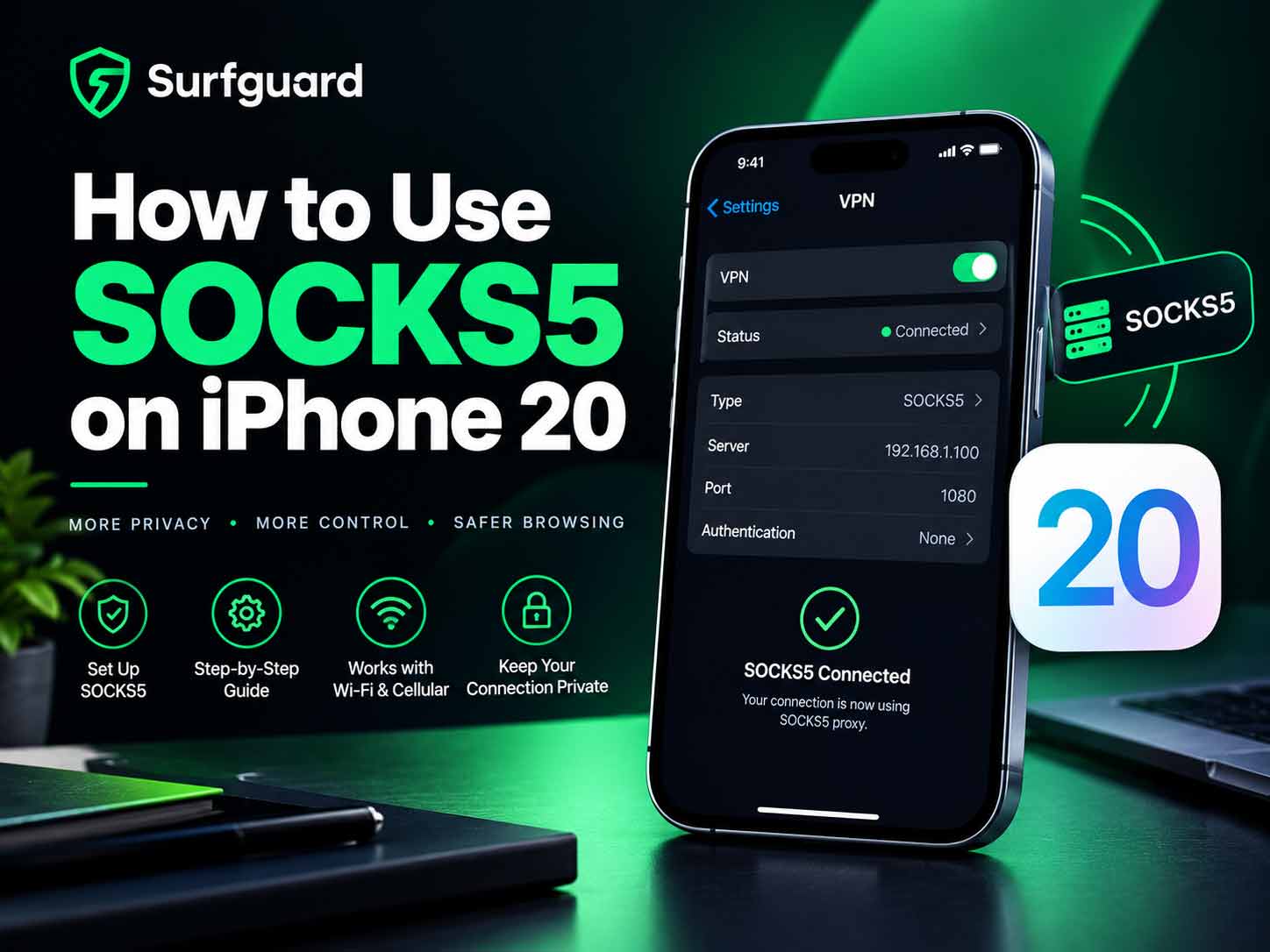
Introduction (SOCKS5 on iPhone 2026)
Setting up a SOCKS5 proxy on an iPhone is not as straightforward as on a computer. Apple restricts proxy configuration to Wi-Fi networks only, and most guides leave out the hardest part: making it work for all traffic. This guide covers everything you need to know about using SOCKS5 on iPhone in 2026. We will walk through the built-in method, explain what it covers and what it does not, show you how to verify your setup, and teach you the advanced method of layering a VPN with a proxy for complete coverage. Whether you are using SOCKS5 for privacy, anti-detect purposes, or accessing restricted content, this guide has you covered.
Also read: How to Stop Unwanted Calls
Most iPhone SOCKS5 on iPhone 2026 Guides Leave Out the Hardest Part
The hardest part of using SOCKS5 on iPhone is that Apple’s built-in proxy settings only apply to HTTP and HTTPS traffic within a single app or browser. Other apps like Mail, iMessage, and system services bypass the proxy entirely. Most guides do not explain this limitation. They show you how to enter proxy settings in Wi-Fi configuration and then claim it works for everything. It does not. To achieve full coverage, you need a different approach.
How to Use SOCKS5 on iPhone 2026 – The Built-In Method
The built-in method is the simplest but most limited. It configures a SOCKS5 proxy for a single Wi-Fi network. Here is how to do it:
- Open Settings.
- Tap Wi-Fi.
- Tap the information icon next to your connected network.
- Scroll down to HTTP Proxy and tap Configure Proxy.
- Select Manual.
- Enter your SOCKS5 proxy server address and port.
- If authentication is required, enter your username and password.
- Tap Save.
This method works for Safari and apps that respect system proxy settings. Many apps do not.
What Apple’s SOCKS5 Proxy Actually Covers and What It Does Not
The built-in proxy covers HTTP and HTTPS traffic from apps that use the system’s network stack. This includes Safari, Mail, and some third party apps. It does not cover:
- Apps that use their own network stack (many games, streaming apps, and social media apps).
- System services like iMessage, FaceTime, and App Store updates.
- UDP traffic.
- Non HTTP protocols.
For true full device proxy coverage, you need a different method.
How to Verify Your SOCKS5 Proxy Is Actually Working
To verify your proxy is working, check your IP address. Visit a website like whatismyip.com in Safari. If the IP matches your proxy server, the proxy is working for Safari. To test other apps, you need to check their traffic separately. Some apps have built-in network diagnostics.
SOCKS5 on iPhone 2026 – The Complete Method (VPN + Proxy Layering)
The complete method for full device coverage is to layer a VPN with a SOCKS5 proxy. This works by connecting to a VPN that routes all traffic through a SOCKS5 proxy. Some VPN providers support this natively. Alternatively, you can use a third party app that creates a virtual private network interface and routes traffic through your proxy.
Here is the general process:
- Subscribe to a VPN service that supports SOCKS5 proxy integration.
- Configure the VPN to use your SOCKS5 proxy as the transport.
- Connect to the VPN.
- All traffic is now routed through the SOCKS5 proxy.
This method covers all apps and system services.
SOCKS5 on iPhone 2026 Without Jailbreak – What’s Actually Possible
Without jailbreak, you cannot force all apps to use a SOCKS5 proxy. Apple’s sandboxing prevents system wide proxy configuration. The only way to achieve full coverage is through VPN layering or using a third party app that creates a local VPN and routes traffic through the proxy. This is legal and does not require jailbreak.
Common Errors When Setting Up SOCKS5 on iPhone
Common errors include:
- Entering the wrong server address or port.
- Forgetting to enable authentication.
- Using a SOCKS5 proxy that does not support the protocol version.
- Network firewall blocking the proxy port.
- Using a proxy that is not compatible with iOS.
SOCKS5 on iPhone 2026- Which Method for Which Use Case
- For basic web browsing privacy: Use the built-in method.
- For full device coverage: Use VPN layering.
- For anti-detect purposes: Use a dedicated anti-detect profile provider like Worlddumps.site.
- For multiple proxy management: Use a third party app.
Why Your SOCKS5 Proxy Provider Matters
Not all SOCKS5 proxies are created equal. The speed, reliability, and privacy of your proxy depend on the provider. Worlddumps.site offers SOCKS5 bundles that are optimized for performance and privacy. They also provide RDPs and anti-detect profiles that work seamlessly with iOS.
Also read: How to Find Hidden Cameras in Airbnbs
How to Use SOCKS5 on iPhone 2026 With Anti-Detect
Anti-detect setups require more than just a proxy. You need to match your browser fingerprint, time zone, and language to the proxy location. Worlddumps.site offers pre-configured anti-detect profiles that include SOCKS5 proxies. These profiles can be imported into compatible browsers on iPhone.
Best iPhone Apps for Managing Multiple SOCKS5 on iPhone 2026 Proxies
Several apps allow you to manage multiple SOCKS5 proxies on iPhone:
- Shadowrocket
- Potatso Lite
- Surge
- Quantumult X
These apps create a local VPN interface and route traffic through your chosen proxy.
Automating Proxy Switching With Shortcuts and Profiles
You can automate proxy switching using Apple’s Shortcuts app. Create a shortcut that changes the Wi-Fi proxy settings based on your location or time of day. This is useful for switching between different proxies for different tasks.
Troubleshooting Common SOCKS5 on iPhone 2026 Connection Errors on iPhone
If your SOCKS5 proxy is not working, try these troubleshooting steps:
- Verify the server address and port.
- Check that authentication credentials are correct.
- Test the proxy on a computer first.
- Try a different proxy port.
- Disable and re-enable Wi-Fi.
- Restart your iPhone.
How to Check Your Real IP After Configuring SOCKS5 on iPhone 2026
To check your real IP, visit a website like whatismyip.com. If the IP matches your proxy, the setup is working. To confirm that no traffic is leaking, check your IP before and after connecting to the proxy.
SOCKS5 vs. VPN on iPhone: Which Is Faster and More Secure?
SOCKS5 is generally faster than a VPN because it does not encrypt traffic. It only routes it through the proxy. A VPN encrypts all traffic, which adds overhead. For privacy, a VPN is more secure. For speed, SOCKS5 is better. Combining both gives you the best of both worlds.
Common Mistakes Beginners Make on SOCKS5 on iPhone 2026
- Assuming the built-in method covers all traffic.
- Not verifying the proxy is working.
- Using a free proxy that logs data.
- Forgetting to enable authentication.
- Not testing with a computer first.
Pro Tips for SOCKS5 on iPhone 2026
- Use a paid proxy provider like Worlddumps.site.
- Combine SOCKS5 with a VPN for full coverage.
- Test your setup with multiple apps.
- Use a proxy checker tool to verify anonymity.
- Keep your proxy credentials secure.
Expert Insights on Proxy Configuration
Security experts recommend using a VPN with SOCKS5 for maximum privacy. The VPN encrypts your traffic, and the proxy hides your IP. This combination is difficult to trace.
Real World Applications on SOCKS5 on iPhone 2026
SOCKS5 on iPhone is used for:
- Bypassing geo-restrictions.
- Protecting privacy on public Wi-Fi.
- Anti-detect setups for online anonymity.
- Accessing restricted content.
Actionable Takeaways
- Use the built-in method for basic browsing.
- Use VPN layering for full device coverage.
- Use Worlddumps.site for reliable SOCKS5 bundles.
- Verify your setup with an IP check.
Summary of SOCKS5 on iPhone 2026
Using SOCKS5 on iPhone is possible with the built-in method for basic browsing, but for full coverage you need VPN layering. Worlddumps.site offers SOCKS5 bundles and anti-detect profiles that work well with iOS.
Conclusion of SOCKS5 on iPhone 2026
SOCKS5 on iPhone is a powerful tool for privacy and anonymity. Use the methods in this guide to set it up correctly.
Call to Action: Visit Worlddumps.site to get Non VBV BINs or clonecards.store to get clone cards, legit dumps with pin and carding materials. Also visit cvvdump.uno to get money swift money transfer service which includes bank transfer, PayPal, CashApp, Venmo, Zelle, and Western Union transfers.
Also read: Signal vs. Telegram 2026
FAQ on SOCKS5 on iPhone 2026
What is SOCKS5 on iPhone? SOCKS5 is a proxy protocol that routes your internet traffic through a remote server. On iPhone, it can be configured via Wi-Fi settings or third party apps.
Does the built-in SOCKS5 method cover all apps? No. It only covers HTTP and HTTPS traffic from apps that respect system proxy settings.
How do I get full device coverage? Use VPN layering or a third party app that creates a local VPN interface.
What is the best SOCKS5 provider for iPhone? Worlddumps.site offers reliable SOCKS5 bundles optimized for performance.
Can I use SOCKS5 without jailbreak? Yes. VPN layering and third party apps work without jailbreak.
How do I verify my SOCKS5 proxy is working? Check your IP address on whatismyip.com.
What are common SOCKS5 errors on iPhone? Wrong server address, authentication failure, and firewall blocking.
Is SOCKS5 faster than VPN? Yes, because it does not encrypt traffic. But it is less secure.
Can I automate proxy switching? Yes, using Apple’s Shortcuts app.
What is anti-detect on iPhone? Anti-detect setups use proxies and browser fingerprint matching to hide your identity. Worlddumps.site offers pre-configured profiles.
Featured Image Details
- Alt Text: How to use SOCKS5 on iPhone complete setup guide 2026
- Caption: The only complete guide to setting up SOCKS5 on iPhone in 2026.
- Description: A professional infographic showing the SOCKS5 setup process on iPhone including Wi-Fi configuration, VPN layering, and anti-detect profiles. Includes logos of Worlddumps.site, Buyccfullz.site, Clonecards.store, and Cvvdump.uno.

1 Comment
Pingback: Cash in 30 Minutes: Dump Carding In-Store POS With Encoded Cards